
Where identity meets movement
Security doesn't stop at login. Proximia keeps your workforce securely authenticated, so users move freely without logins slowing them down.
How Proximia Works
A single step for the user.
Endless protection for your business.
One-Time Device Registration
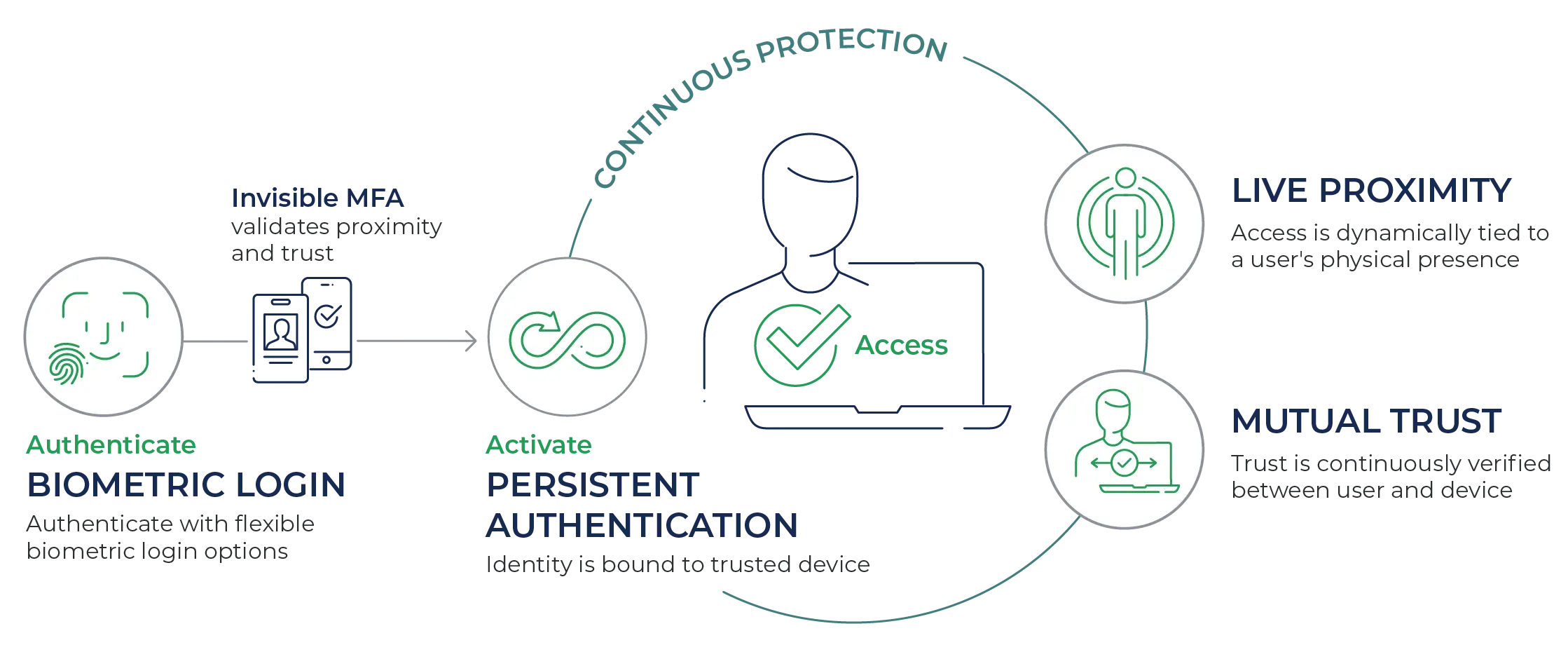
Each user spends just a few minutes to complete biometric verification and enroll their trusted device(s)-phone, camera, XiFi Card. This happens just once during implementation, readying devices for seamless access.
Fast login with the devices you already use
Integrated or external cameras, phones (iOS or Android), or other biometrics work right away—no special hardware required.
Built-in, continuous MFA
Your presence is confirmed to be nearby and mutually trusted using your approved device—phone or XiFi Card.
For users: Just a quick face scan and they're in—no codes, no delays.
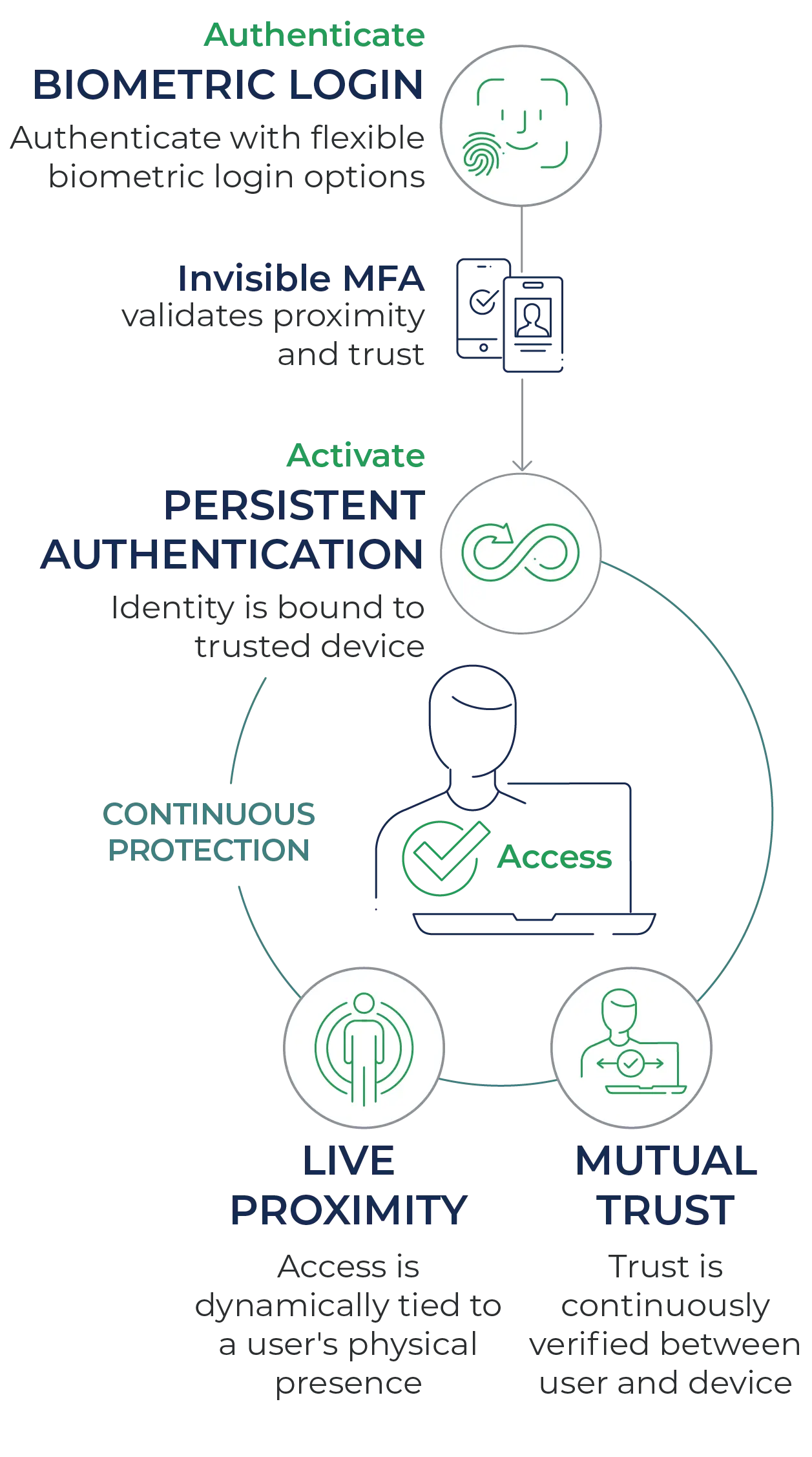
For your business: Biometric authentication + proximity check + bi-directional device/user handshake—all activating continuous, persistent protection.
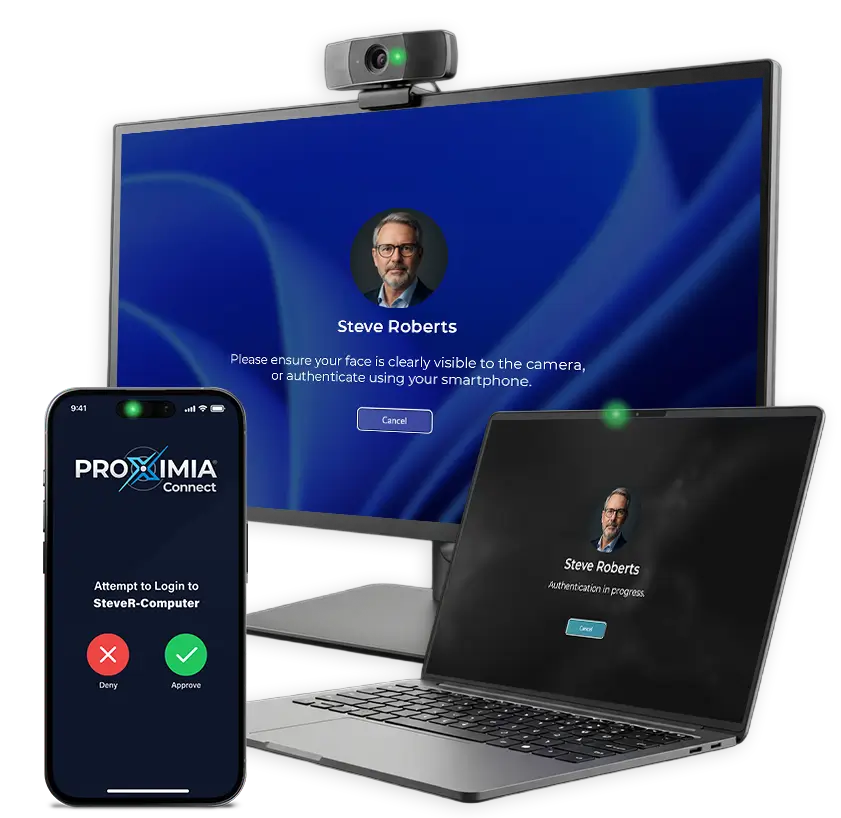
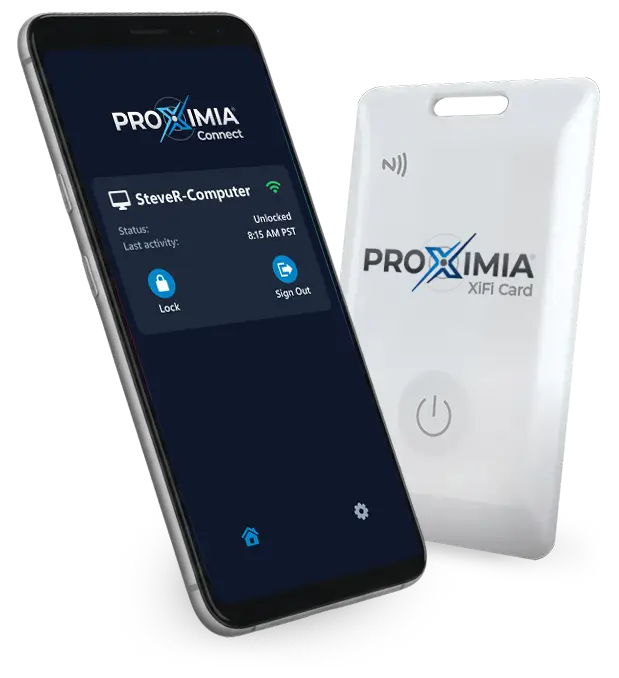

Once authenticated, their identity is bound to their trusted device—the user becomes the credential.
- Live Proximity sensing: Proximia continuously measures the distance between user and device using encrypted Bluetooth Low Energy signals.
- Mutual trust handshake: User and device validate each other in real time with certificate exchange and mTLS, so both ends of the session stay trusted.
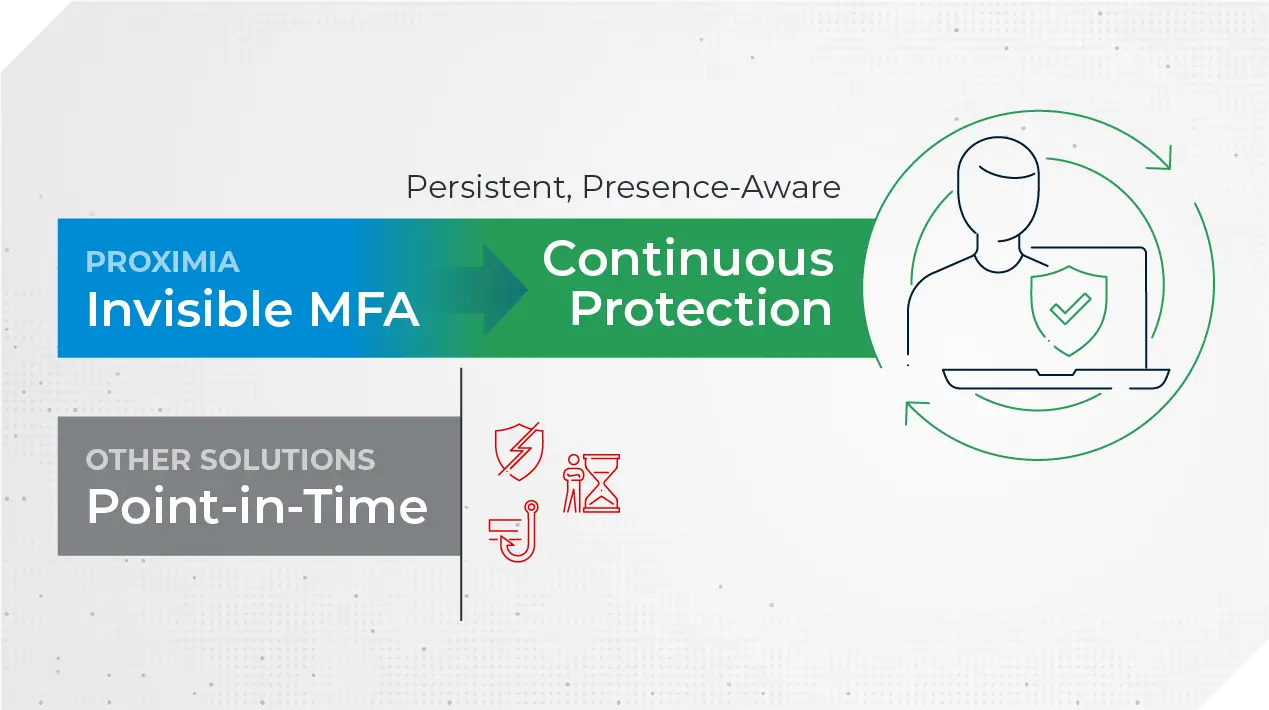
This layered approach means Proximia isn’t static like other solutions. It’s persistent authentication.

Login is now seamless and continuously protected, supercharging convenience and security.
- Instant Windows Login: No passwords, no MFA prompts, no delays.
- Walk away, lock out: Session ends automatically if the user walks away.
- Move workstations: A quick biometric scan, invisible MFA, and the user is securely back in.
Security follows the workforce, adapting to movement and maintaining protection without added friction.
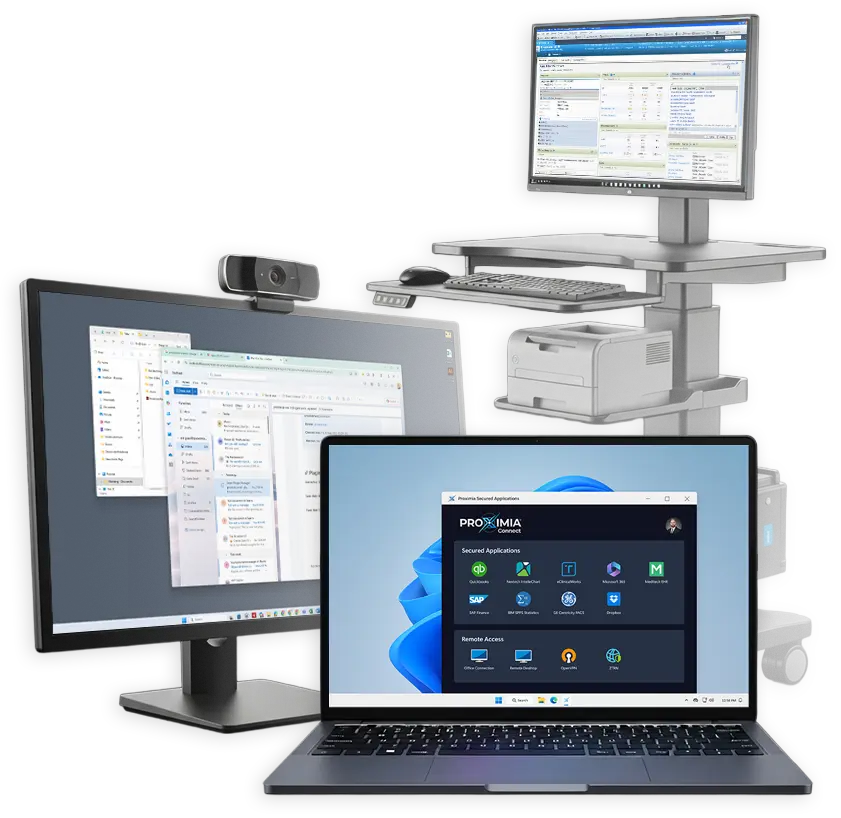

Remote Access, Simplified
Extend live proximity, mutual trust, and persistence to remote workforces—securing access from any location across company-issued and personal devices.
Privacy-First Security
Strong security shouldn't come at the cost of privacy.
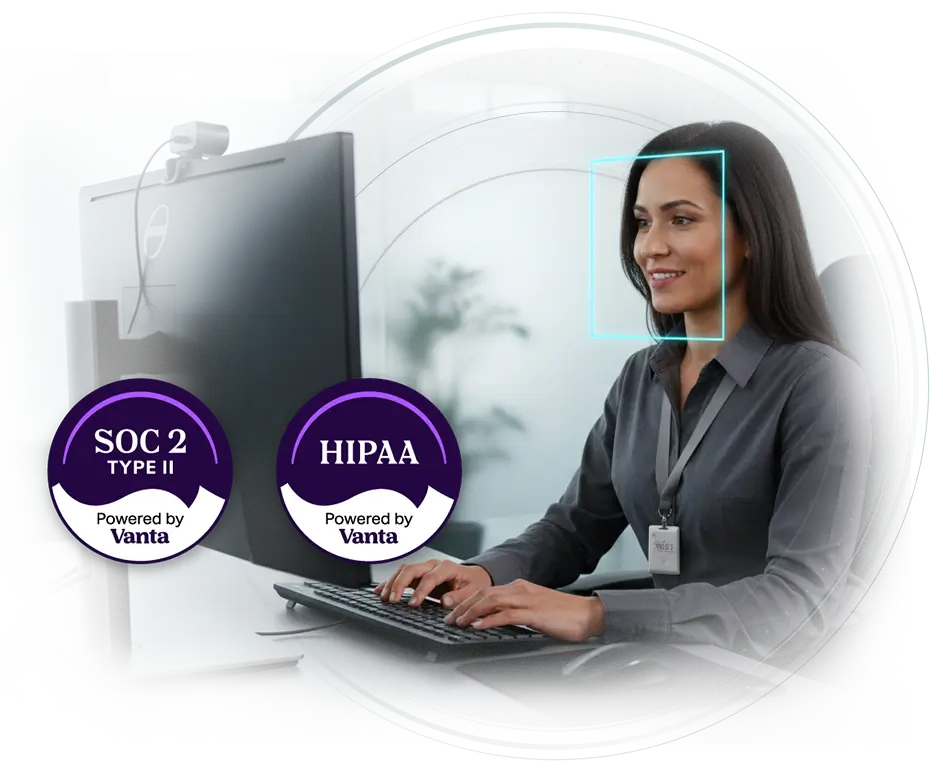
Proximia is built so that biometric data is never stored, shared, or exploitable. Authentication happens locally, credentials are invisible to users, and even Proximia administrators cannot access your biometric or credential data. Security by design, not by policy.
Centralized IT Management
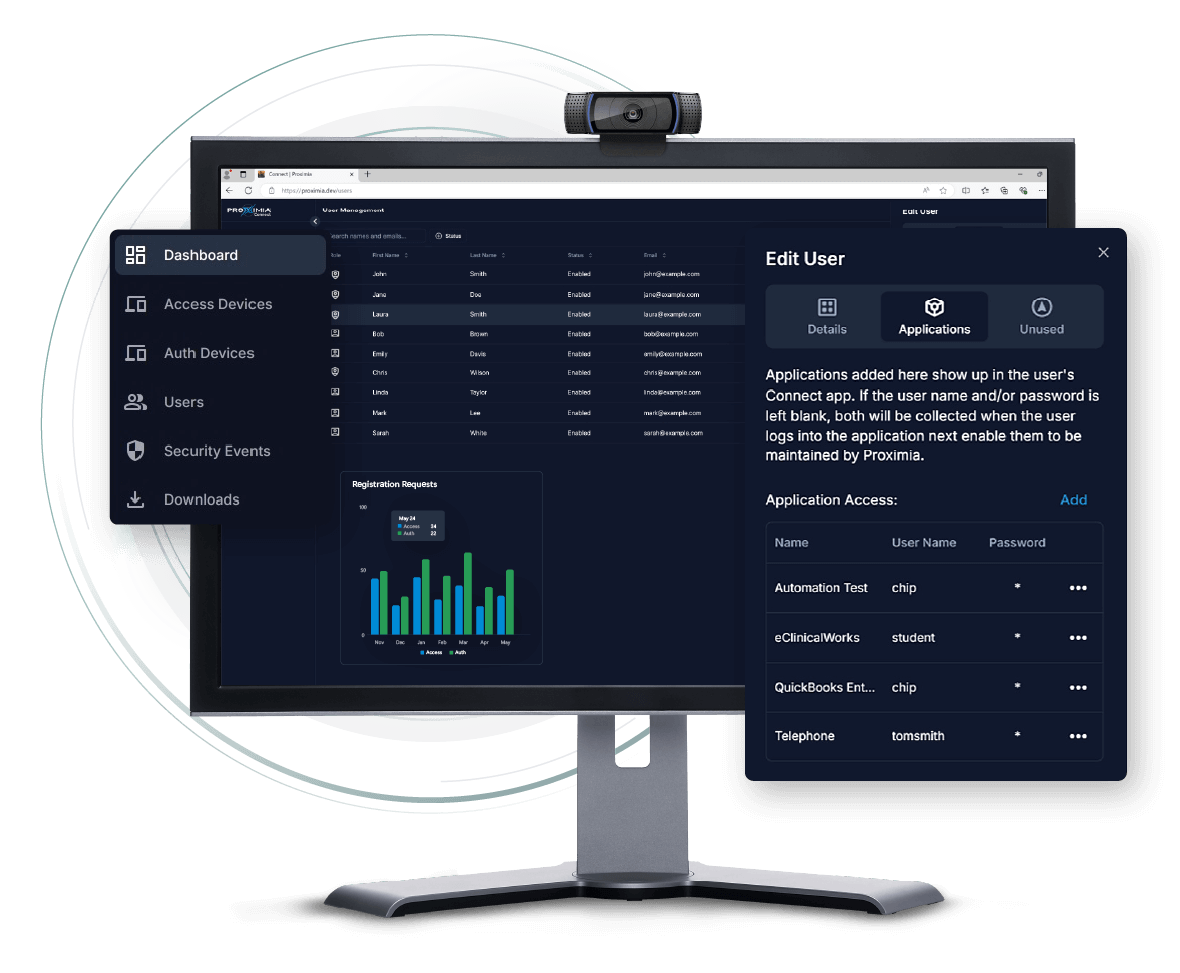
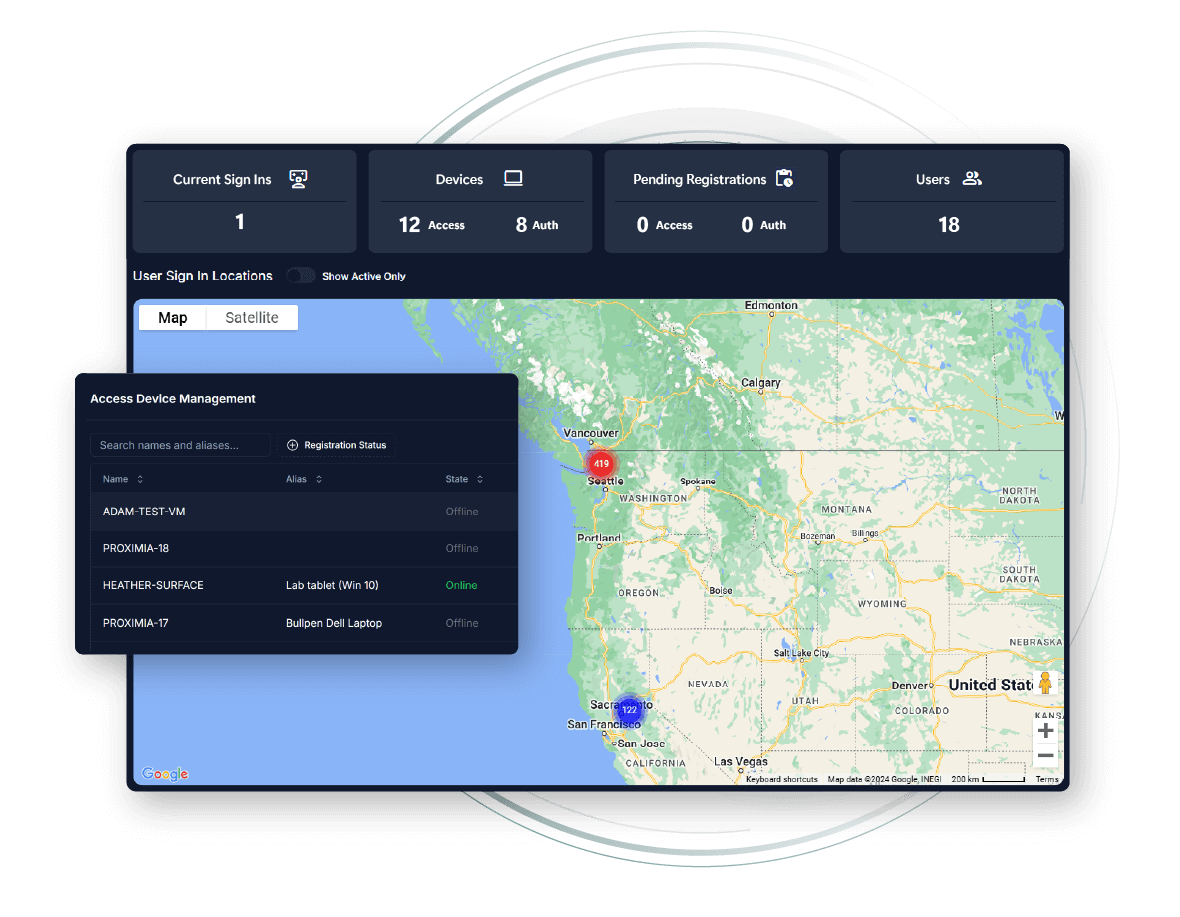
Proximia Connect simplifies user and device management with role- and group-based access controls, trusted device oversight, and real-time visibility into device activity and access events.
Access Management by Role or Group
Easily assign permissions by user, role, or group using reusable access profiles. Enforce least-privilege access, streamline onboarding, and instantly revoke access.
Device Trust Controls
Approve and monitor trusted devices for authentication and network access—no more unmanaged endpoints.
Comprehensive Audit Trail
Pinpoint who accessed what, when, and how—supporting accountability and policy compliance with detailed event logs.
Real-Time Visibility
Track users, devices, logins, and authentication events in a live dashboard for instant operational awareness.
Unified Oversight for All Teams
Manage remote and in-office teams with equal control. Monitor users, devices, and access from a single platform—no matter where work happens.
Automated Policy Enforcement
Apply access policies at scale across users and devices—reducing manual oversight and risk.
You have options.
Why choose security that stops at login?
Most platforms are static—verifying identity only at login. Proximia goes further, delivering protection that persists, constantly asking: “Are you still there? Are you still trusted?”
Aways-On Protection
Security past login – every user, every moment.
Seamless Access
IT, end users, remote – let's make this easy.

Real-Time Security
Presence-aware – locks when you leave.
Ongoing Verification
Automatic trust checks that keep checking.
FAQ
Take control of your digital security today
In a world where cyber threats are constant, so should be your protection.