
TL;DR
For decades, stronger security has meant worse usability. Traditional MFA, especially phone-based authentication, breaks down in real-world environments where users can’t or won’t use their phones. Proximia ends this trade-off with flexible, presence-based authentication that adapts to each user’s context. Staff can log in via workstation biometrics, external cameras, or phones when available, with continuous presence verification running silently in the background. The result? Frictionless, phishing-resistant security that boosts compliance, reduces IT burden, and actually improves productivity because true security should fit the way people work, not the other way around.
 For decades, security leaders have lived with an unfortunate reality: the more secure you make something, the harder it becomes to use.
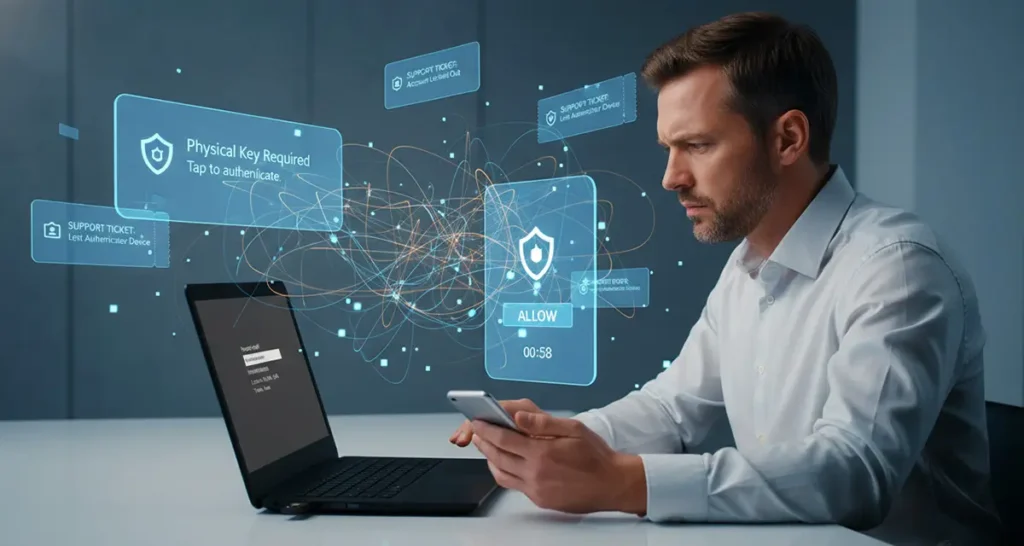
Every CISO is aware of this. Roll out mandatory MFA, then watch help desk tickets spike. Enforce complex passwords, then find sticky notes under keyboards. Require phone based authentication, and watch security exceptions multiply as entire teams can't comply.
This security vs usability trade-off is not only frustrating, but also dangerous. When security measures are too rigid, staff members get impatient and find workarounds. When they are too loose, breaches happen. Both can be catastrophic in the public sector, healthcare, or other highly regulated industries.
The Phone-Only MFA Problem Nobody Talks About
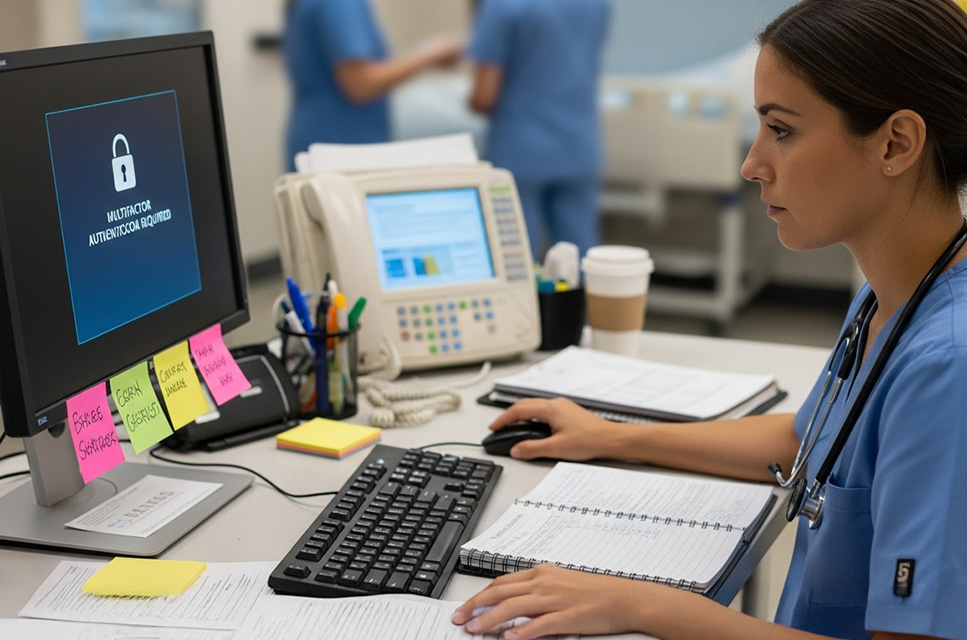
Consider a typical hospital setting. Nurses in sterile environments can't touch their phones. Doctors locking their devices in lockers when scrubbing into surgery. Staff working in MRI suites can’t bring electronic devices near the equipment. Yet these same people likely still need secure remote access for on-call duties and various emergencies.
The same challenge hits critical infrastructure. Power plant operators surrender phones at secure control rooms. Government contractors work in phone-prohibited zones. Manufacturing floor workers wear thick gloves incompatible with touchscreens. Military personnel in classified areas operate under strict no-device policies.
Traditional MFA assumes everyone has a phone, always. This is often a flawed assumption. There are many circumstances when staff can't use phone-based MFA, organizations then have to create exceptions for these that undermine the entire security posture. Then there is also the adoption issue, frustrated users resist the technology entirely, viewing security as something that prevents work rather than enables it.
Why "Just Use Phones" Isn't the Answer
The standard response, mandate corporate phones, sounds logical but fails in practice. Healthcare workers juggling patient care don't need another device to manage. Field technicians already carry specialized equipment. Adding corporate phones means more devices to lose, more batteries to die, more complexity to manage.
Even when phones are available, they're not always accessible. Surgical gloves make touchscreens unusable. Emergency situations demand immediate access, not fumbling for authentication apps. Shift workers sharing workstations need fast transitions, not individual phone checks for every handoff.
Flexible Authentication: Security That Adapts to Reality
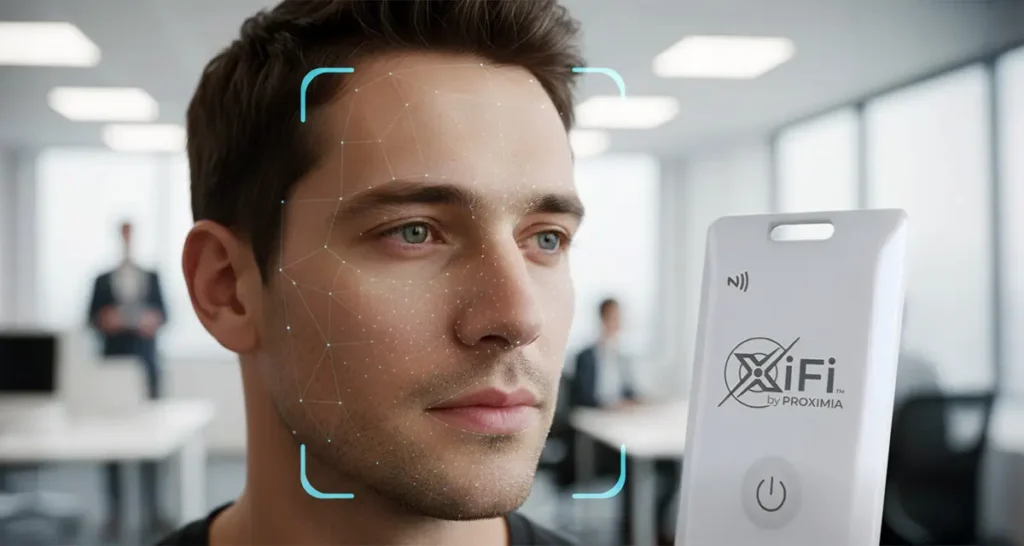
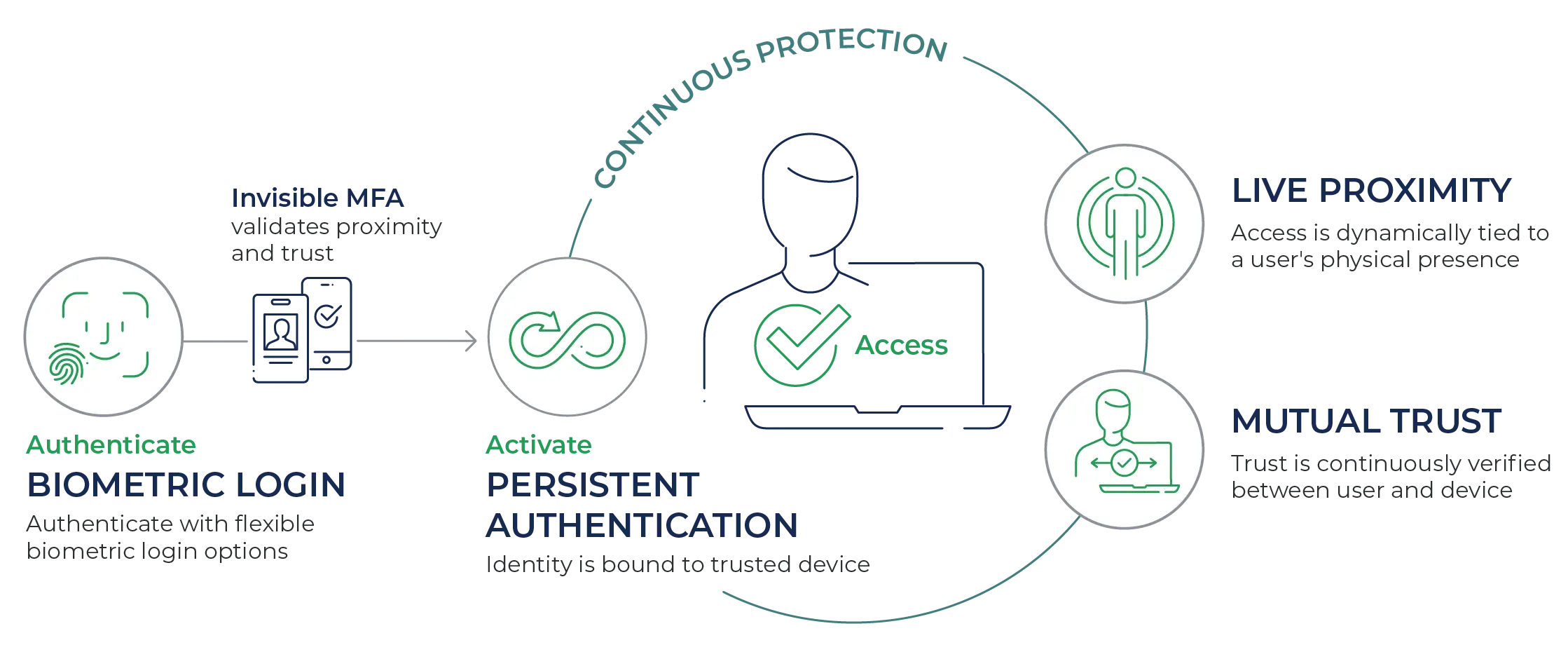
What if authentication could adapt to the user's context instead of forcing users to adapt to it? Proximia's approach starts with flexible biometric login options. Staff can authenticate using whatever works in their environment: an integrated camera on their workstation, an external camera in secure areas where permitted, or their phone when convenient.
Multiple authentication paths mean complete workforce coverage, consistent security standards, and no need for exceptions.
But flexibility alone isn't enough. Security can't end at login. That's why Proximia adds continuous, built-in MFA that checks trust and user proximity quietly in the background. Once authenticated, the system maintains security through presence-awareness using either a badge or phone, whichever the user carries. Walk away, and the session locks. No disrupting prompts or unwanted friction. Just continuous security that works like the physical world already does.
This combination solves both sides of the equation. A surgeon can log in with facial recognition at a workstation, maintain access through their ID badge, and never touch a phone. A utility worker can authenticate with their phone at the office, then rely on their badge for continuous verification when entering areas where phones aren't permitted. A remote technician can use their phone for both authentication and proximity when working from home, seamlessly switching contexts without compromising security.
The Business Case: When Security Drives Productivity
Organizations implementing flexible authentication report unexpected benefits beyond security. Help desk tickets plummet when password resets disappear. Compliance audits simplify when every access is continuously verified and logged. Productivity increases when staff spend less time fighting security measures.
For critical infrastructure, this means operators maintain focus on system monitoring instead of authentication prompts. For healthcare, it means faster access to patient records during emergencies. For government, it means secure access that doesn't impede mission-critical operations.
One System That Works Everywhere
The same platform securing a hospital's operating room computers works for administrative laptops. The system protecting a power plant's control room extends seamlessly to remote engineers. A single architecture that supports different authentication methods, so coverage is consistent across the organization.
Integration happens without massive overhauls. Organizations can extend what they already have. Cameras that were once used only for monitoring can also support authentication. Standard workstations can serve as secure access points. This lets organizations protect their existing investments while strengthening their security posture.
The New Reality: High Security and High Adoption
The long-standing tension between security and usability doesn’t have to continue. When authentication adapts to how people actually work, both security and adoption improve. Staff stop looking for shortcuts, and IT stops creating exceptions that undermine protection.
For leaders in the public sector, healthcare, and critical infrastructure, the message is clear. Your security should reflect the realities of your workforce, not the other way around. Flexible authentication isn’t about lowering the bar. It’s about creating secure systems that people can and will use every day, even in the most demanding environments.
The tradeoff between security and usability only disappears when security is practical. Flexible authentication from Proximia makes this a reality.