
Free trial
Try Proximia Connect®
2-second sign-in. Silent MFA. No codes, no prompts. Walk up work, walk away lock.

Why teams choose Proximia
Persistent Identity Assurance™
We’ve replaced point-in-time authentication. We continuously prove the right person is present.
Silent MFA
A face scan plus your XiFi Card. No codes to type, no push prompts to approve.
True passwordless
No user-known password exists, ever. Nothing for staff to see, type or manage.
Walk-away lock
Workstations lock automatically when staff walk away.
Shared, assigned and remote
The same protection at every workstation and over RDP or VDI.
Every session has a name
Each sign-in is tied to one person and logged by default.
Fits what you run
Works with Active Directory and Entra ID. One sign-in for Windows, modern and legacy web apps.
Two ways to try it free
Both are free, and our team sets it up with you.
Test drive
The quickest way to see it work: one computer and the Proximia Authenticator app.
- A Windows computer with a local account
- Uses the phone you already have
- One person to start, add more yourself
- Web-based admin console for users, devices and sign-in logs
- Simple setup: a guided call with our team, under an hour
- Nothing touches your network
- No credit card, no obligation
Pilot
The full experience with your real users: hands-free sign-in with the XiFi Card and webcam.
- Real users on domain-joined computers
- XiFi Cards and webcams, or phones
- 2-second sign-in
- Silent MFA: no codes, no prompts
- Onboard users in seconds
- Web-based admin console for users, devices and sign-in logs
- Fits your existing systems, no rip-and-replace
- Easy 2-hour guided install with a dedicated technician
- No installation fees
Wireless proximity detection
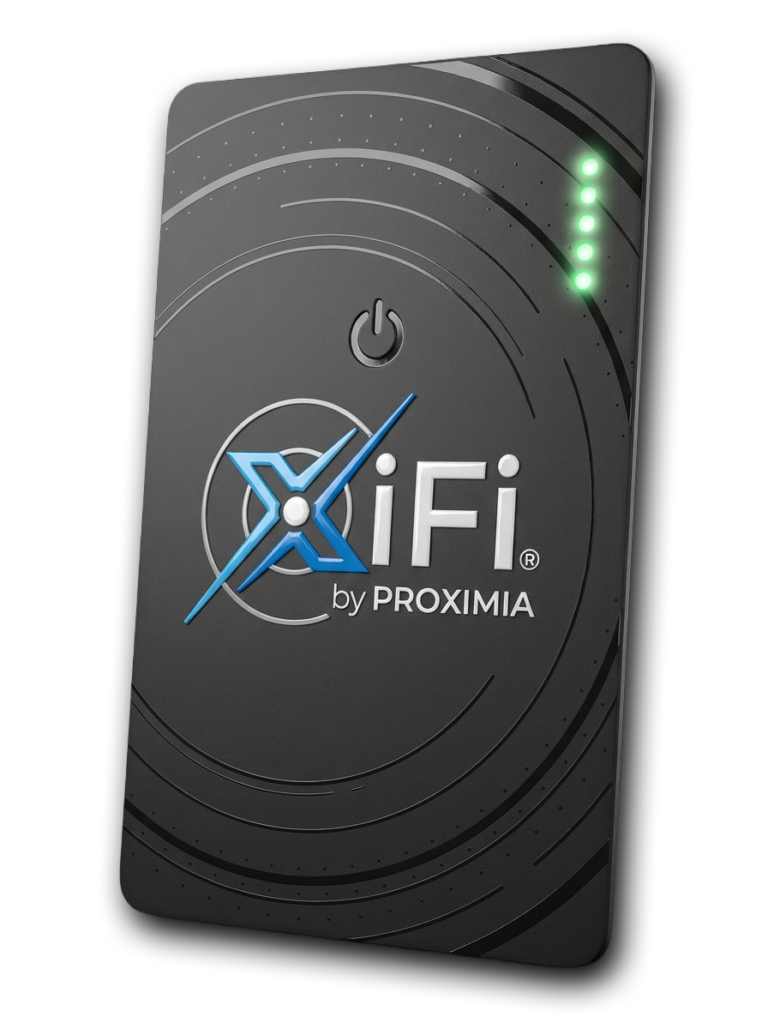
Want to try our XiFi® Card?
The XiFi Card is silent MFA. Staff sign in with a face scan and the card, no phone needed. To try XiFi Cards, choose the pilot.
- 2-second sign-in
- No codes, no prompts
- No connection to manage
Start here
Request your free trial
Tell us which option you’d like and our team will be in touch to schedule setup. Questions? Talk to us.
Make Identity Persistent.
Our team will review your request and be in touch to schedule your guided setup.